
Built for authors, self-publishers and indie creators
Create Beautiful Book Covers and Mockups Yourself
Without the Designer, the Wait, or the Guesswork (And No Design Skills Needed!)
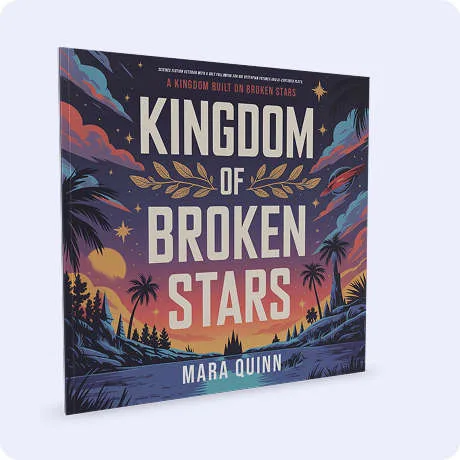
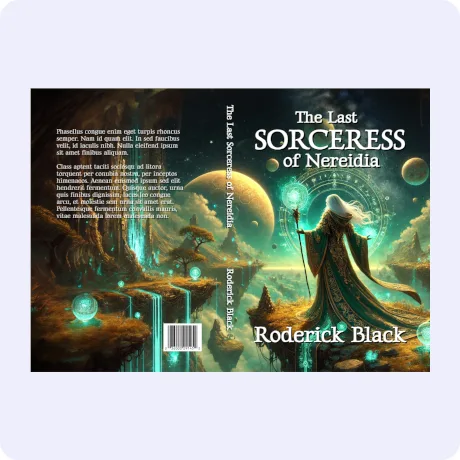
One easy tool for every publisher. Enter your book’s size and page count, and your cover canvas builds itself: exact spine width, trim lines, everything. Make it beautiful, then bring it to life with a stunning 3D mockup. One simple plan, everything included, and your cover could be finished today.
For every author with a finished manuscript
You Wrote the Book. Now Let’s Make It Shine
You’ve finished the writing, the editing, the revisions. Your book is ready. But something’s still missing...
Not the words. The look.
The cover. The spine. The mockup. The polish that makes it feel real.
Maybe you’re stuck waiting on a designer. Maybe you tried doing it yourself and got lost in template downloads, spine calculators, rejected files, and design software buried under a thousand features you’ll never need.
That’s exactly why EZ Cover Maker exists. You shouldn’t have to be a designer, or hire one, to bring your book to life.
Print-publishing smarts, built in
Designed for Authors First
Most design tools don’t even know what a spine is. This one was built around it.
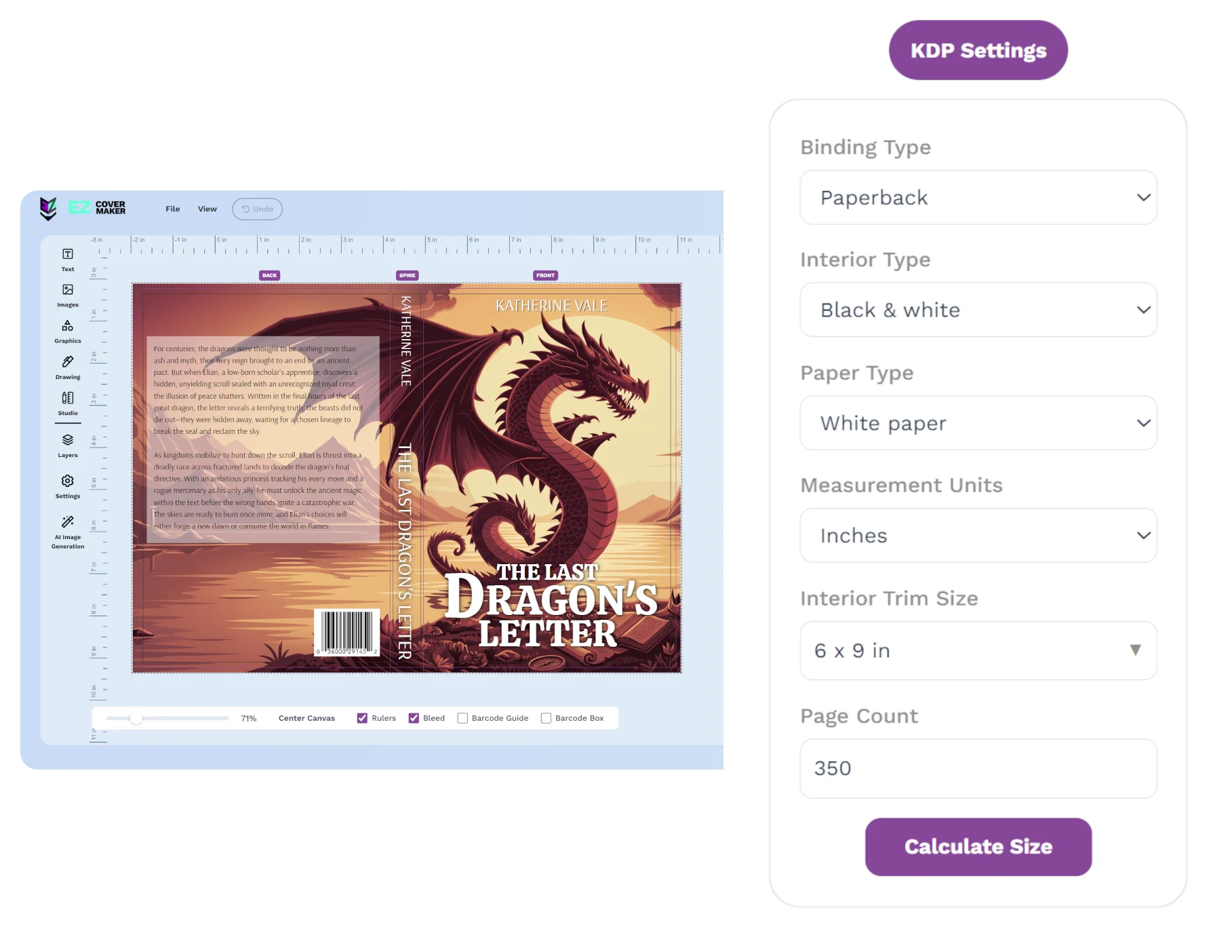
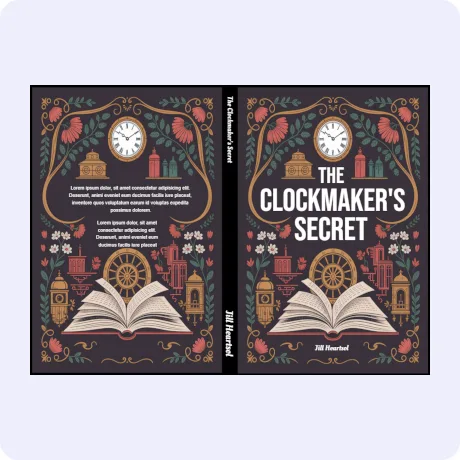
A print cover isn’t a rectangle. It’s a wrap with a spine that changes width with every page you write, edges that get trimmed, and file rules that get covers rejected. EZ Cover Maker handles all of it for you, automatically:
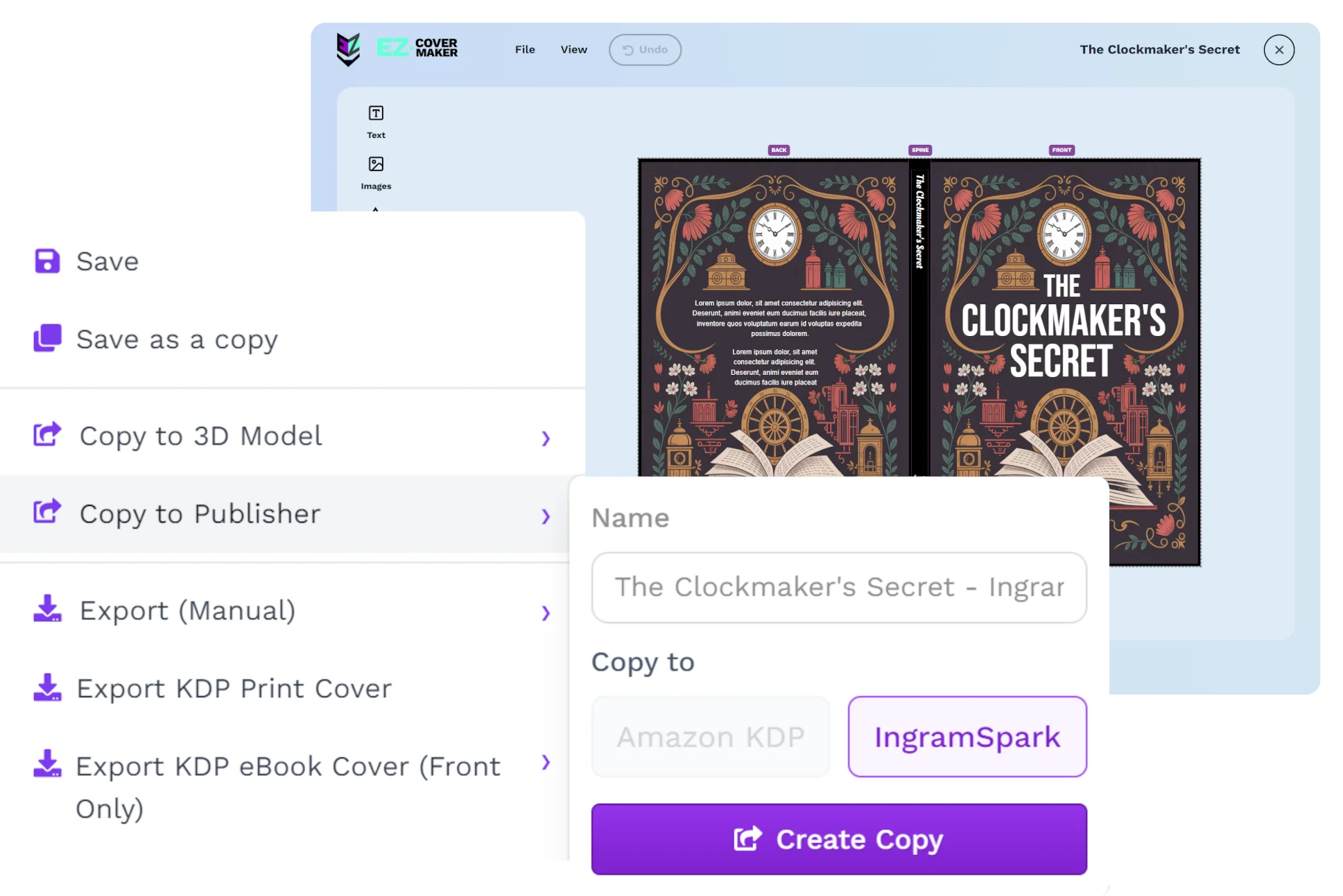
- One tool for every publisher. KDP and IngramSpark, paperback and hardcover, each publisher’s exact template math built in.
- The scary math? Already done. Your canvas appears with the exact spine width, calibrated against the publishers’ own tools.
- Design on the real book, not a guess. Live trim, spine, wrap, and barcode guides right on your canvas.
- One click. One file. Ready to publish. Print-ready PDF in the exact format your publisher wants.

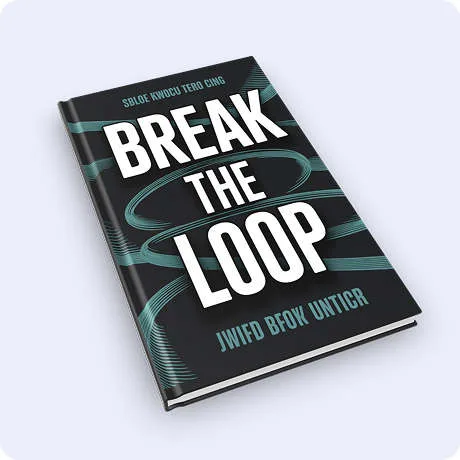
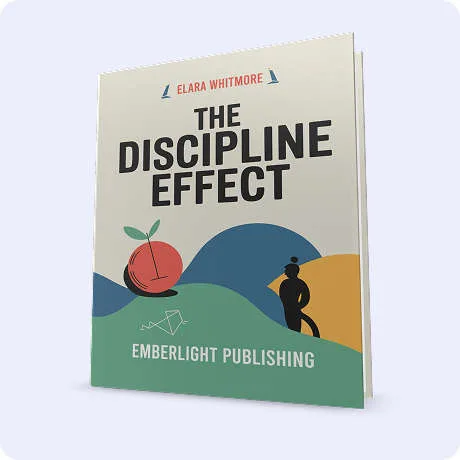
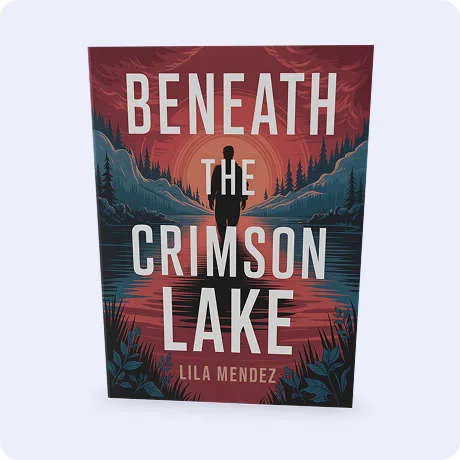
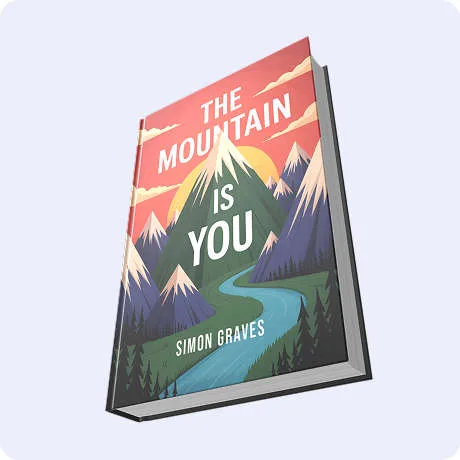




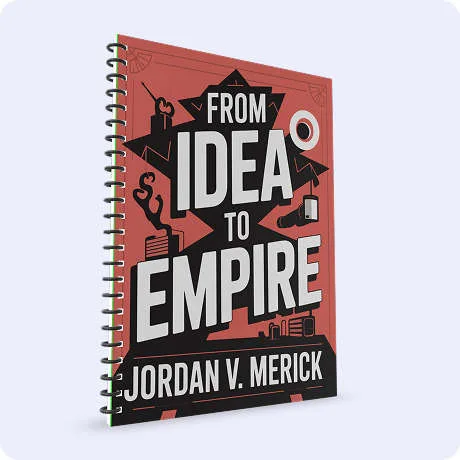
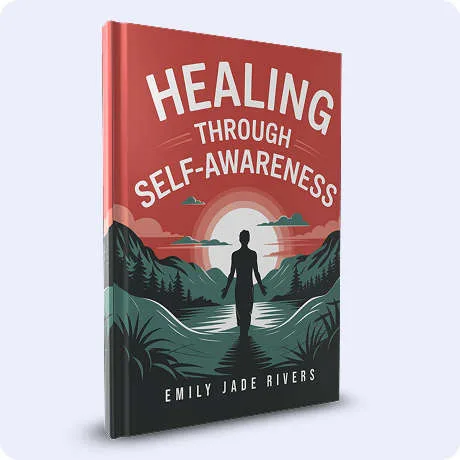


I tested this thing hard, real book, real specs, both publishers. The spine width came out exact for my page count, my KDP cover converted to an IngramSpark edition seamlessly, and every exported file passed the print compliance checks publishers require, first try. It actually does what it says.
Anthony T. · Author
One subscription, the whole studio
Beyond Covers: A Complete Design Studio, All Included
EZ Cover Maker is like having Canva, Photoshop, and a 3D mockup studio rolled into one. Everything below is included with every account. No add-ons, no upsells, no credits:
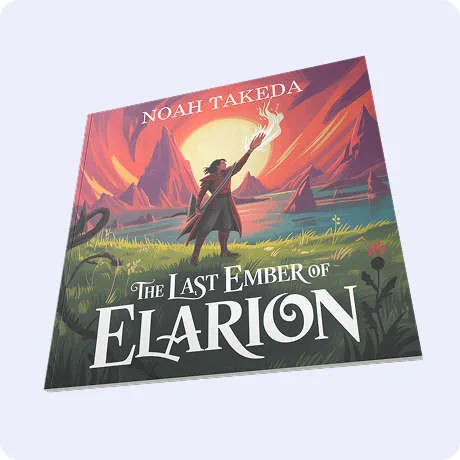
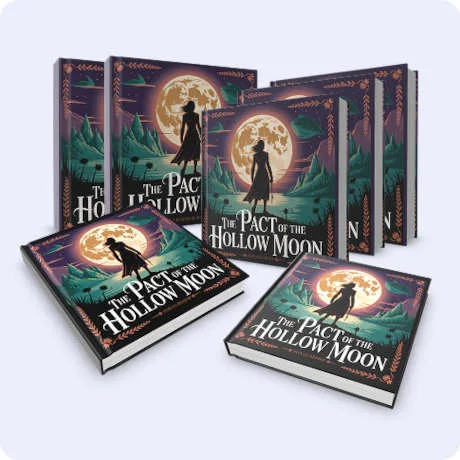
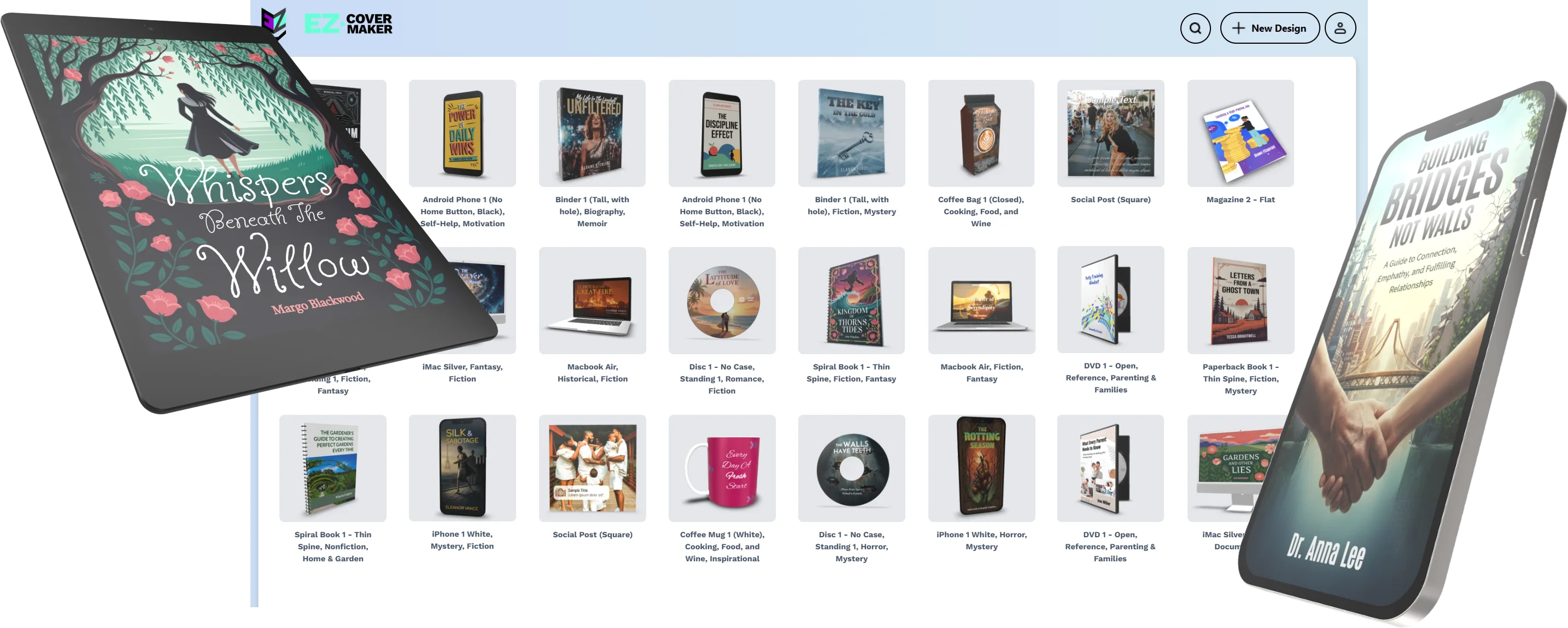
90+ 3D models. 36,000+ ready-made designs.
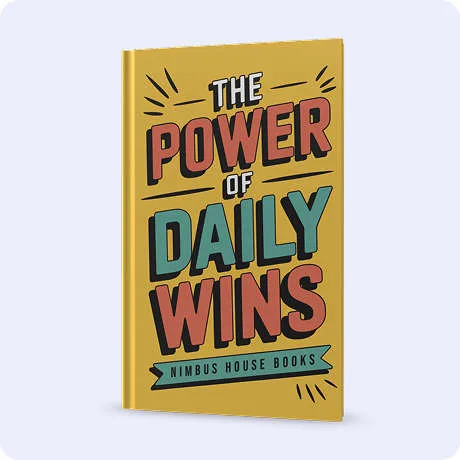
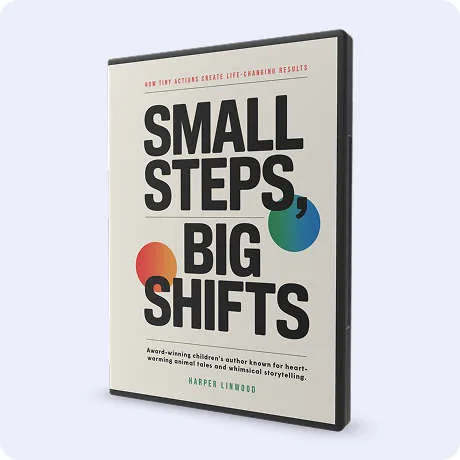
Hardbacks, softcovers, spiral-bound books, board books, plus phones, tablets, boxes, mugs, jars, binders, and more.
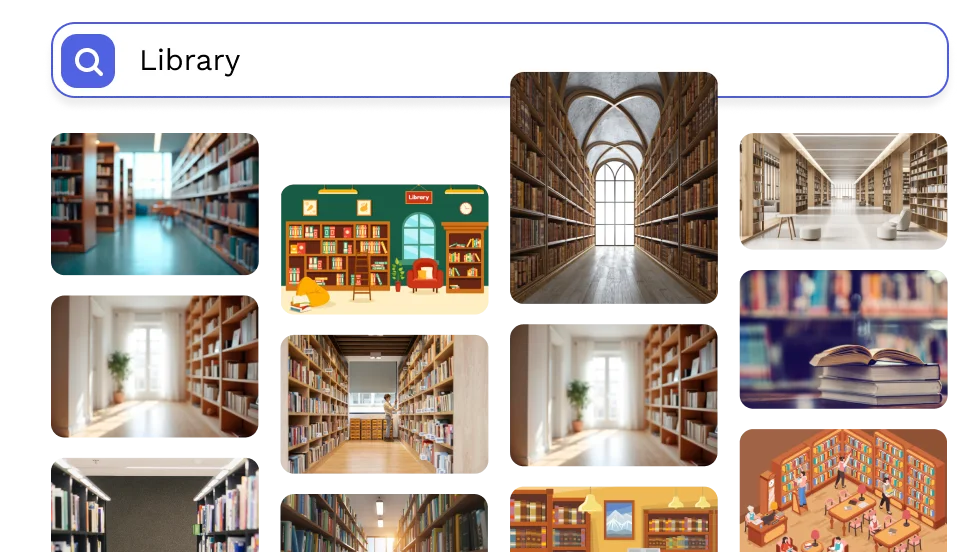
1.5 million stock images
Plus hundreds of fonts, text effects, icons, and 10,000+ graphics and illustrations.
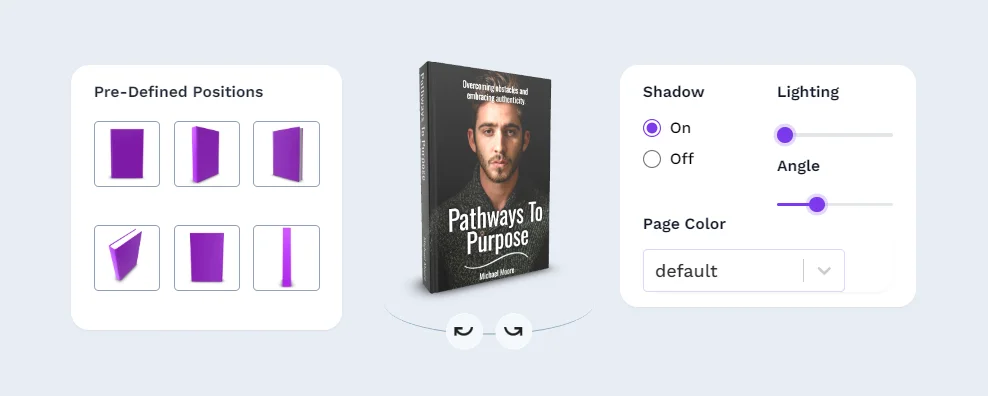
Studio-grade 3D controls
Lighting, shadows, angles, page edge and end-page colors, rendered from any direction.

Animated covers
Turn any design into eye-catching motion for ads and social media.
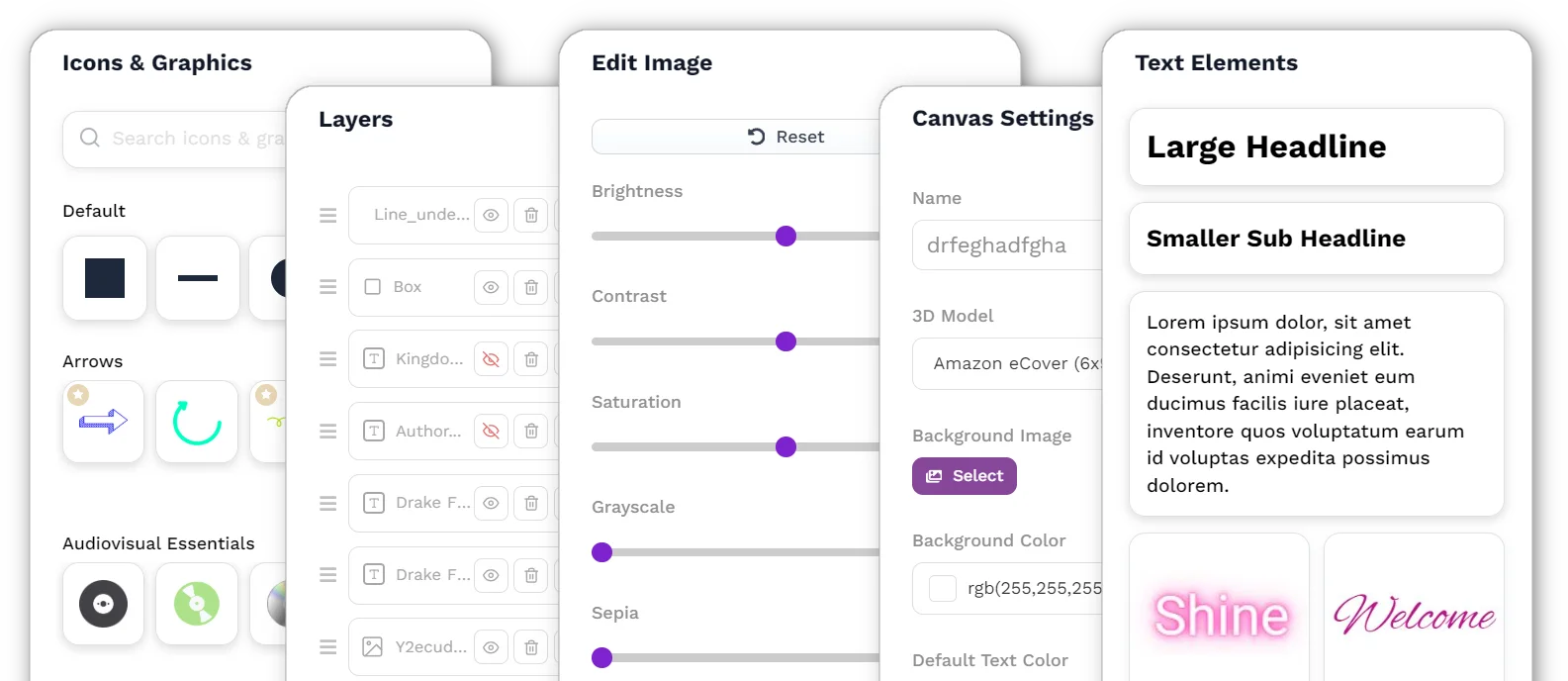
A full design toolkit
Import your own images, layers, shadows, text effects, background removal, and image editing built right in.
AI image generation, built in
Custom, unique visuals for your cover without leaving the editor.
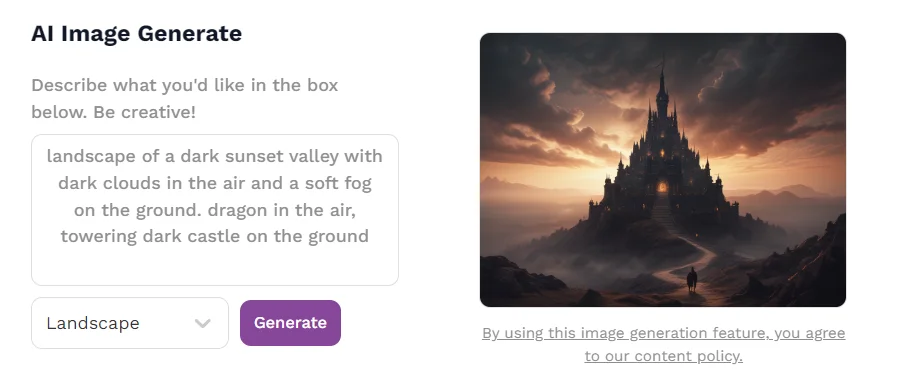
Plus a resizable canvas for banners, social posts, letterheads, anything. And full commercial rights, so you can sell what you create.
Unlimited designs, unlimited exports, unlimited possibilities.
Simple on purpose
How It Works (In 3 Simple Steps)
Enter your book specs
Publisher, size, page count. Just the answers you already know. Your canvas appears, correctly sized, spine and all.
Make it yours
Templates, fonts, your own artwork, or AI images. Guides show you exactly where everything is safe.
Export and publish
EZ Cover Maker double-checks your design, then one click gives you the exact file your publisher wants.
No tech skills. No downloads. Publish-ready in minutes.
Your safety net before you upload
Catch Mistakes Before the Printer Does
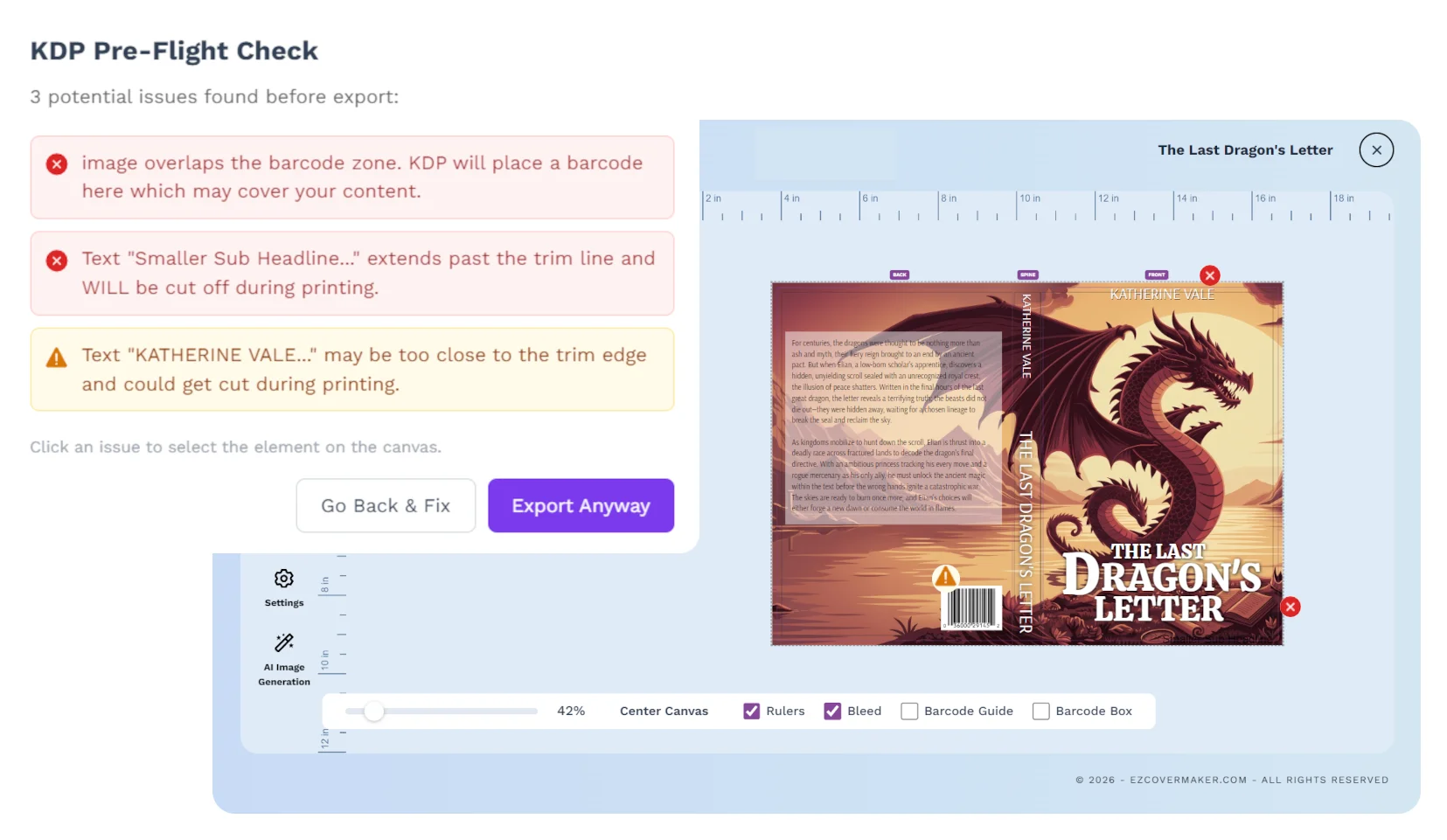
Rejected cover files cost you time, and with IngramSpark, revision fees. Before your file leaves the editor, a built-in preflight check inspects your design against your publisher’s rules, KDP or IngramSpark, and shows you anything worth fixing.
Sees what the printer sees
Text or artwork drifting into the trim, across the spine folds, or into the barcode zone gets flagged, measured from the actual printed ink, not rough boxes.
Plain English, click to fix
Every warning is written for authors, not printers. Click one and the exact element lights up on your canvas so you can nudge it and move on.
Tuned to your publisher
KDP and IngramSpark have different rules, so the check runs the right ones for your book. No more finding out from a rejection email a day later.
Publish wide without rebuilding
Design Once. Publish Everywhere.
Finish your KDP paperback, then seamlessly create your IngramSpark edition with your artwork, colors, and page count carried over, matched to the other publisher’s template math automatically. Softcover to hardcover works the same way. No other cover tool does this.
No Other Author Tool
Does All of This
Design tools make pretty rectangles. Mockup tools make pretty pictures. Pro software makes you learn design first. EZ Cover Maker is the only tool that designs your cover, calculates your spine, checks your file, and exports print-compliant PDFs for both KDP and IngramSpark. In one place. Built for authors.
The honest side-by-side
Compare Traditional Methods vs EZ Cover Maker
Swipe the table to compare →
| Hiring a Designer | Generic Design Tools | EZ Cover Maker | |
|---|---|---|---|
| Exact KDP & IngramSpark sizing | Sometimes | No | Yes |
| Automatic spine calculation | No | No | Yes |
| 3D mockups & animation | Extra charge | Limited | Yes |
| Preflight file check | No | No | Yes |
| Flat + 3D exports | Split tools | Separate steps | One click |
| Try before you pay | No | Limited | Design everything free |
Real covers, real authors
Real Authors Are Publishing Real Books Made With EZ Cover Maker
Join thousands of self-publishers who stopped waiting on designers.
“I created 4 book covers in one afternoon. My designer used to take a week. I’m never going back.”
Maria Finney
Indie Publisher
“EZ Cover Maker helped me go from idea to stunning cover in minutes. I finally feel confident publishing my book!”
Amanda Linworth
Indie Publisher
“I found it user-friendly. This is very important to those who lack exceptional computer skills. And yet want a book cover that looks professional and presents their book at its best.”
Dorene Stamper
Author
“Honestly, I was skeptical. But EZ Cover Maker impressed me. Clean designs, easy customization, and it saved me hours of work.”
David Chen
Freelance Designer
“The learning curve was made easy by the tutorials.”
Harry Dixon
Author
“Creating course materials used to be a headache. With EZ Cover Maker, I now have consistent, high-quality covers every time.”
Sarah Bennett
Online Course Creator
“I created 4 book covers in one afternoon. My designer used to take a week. I’m never going back.”
Maria Finney
Indie Publisher
One simple price, everything included
You’re One Click Away From a Cover You’re Proud Of
No add-ons, no credits, no locked features. One plan, the entire studio, covered by a 30-day money-back guarantee:
- Unlimited covers, mockups, and exports
- Exact KDP & IngramSpark templates and spine math
- Built-in preflight check before every export
- 90+ 3D mockups, animation, the full studio
- 1.5M stock images, fonts, and AI image generation
- Full commercial rights on everything you make
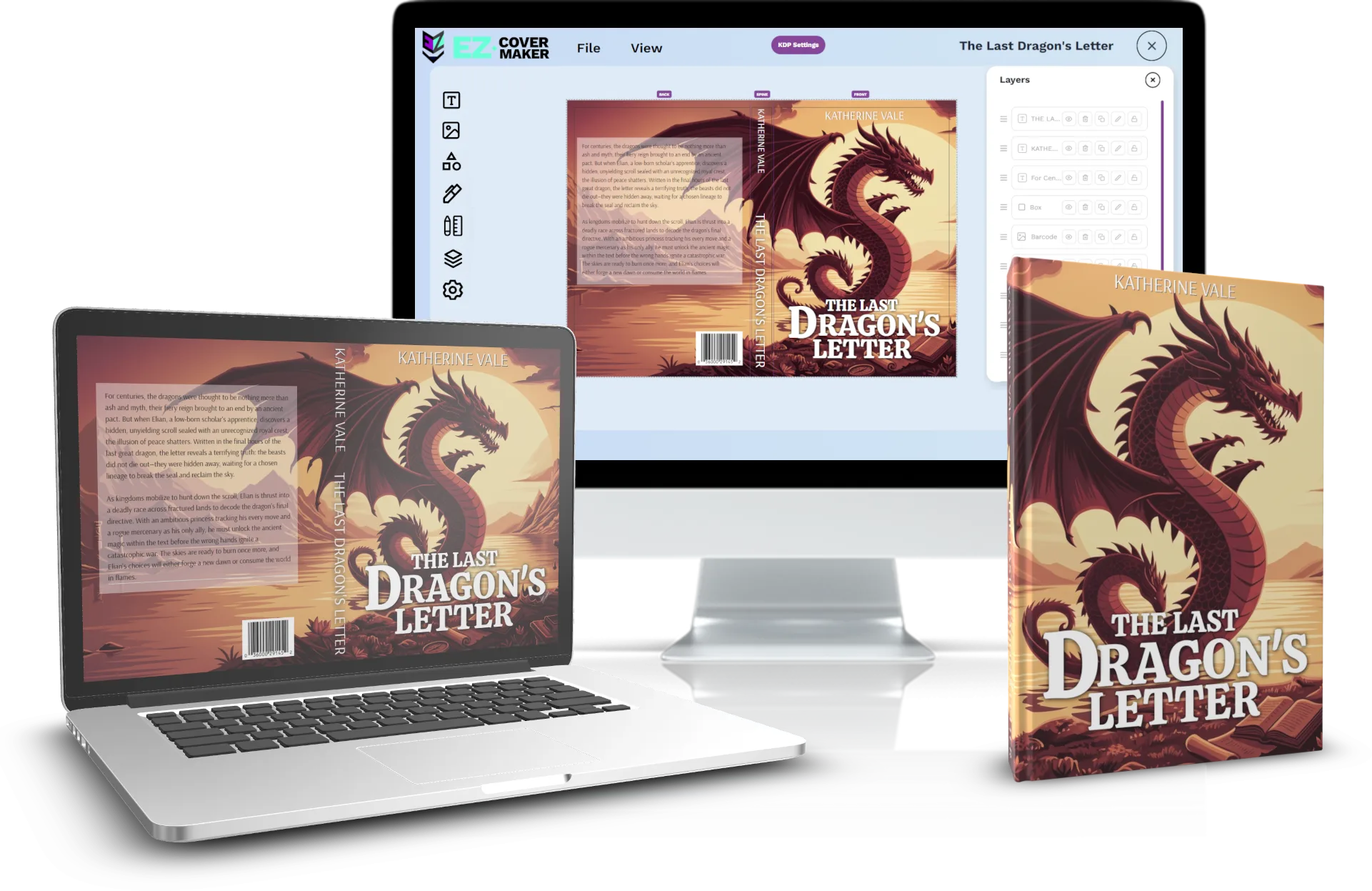
A designer charges $300 or more for a single cover, then bills you again for every revision. This is $19 a month for unlimited covers, unlimited changes, and unlimited exports.
Publisher Plan
Everything above, unlocked. Your cover could be done tonight.
Get Instant AccessThousands of authors and publishers already trust EZ Cover Maker
Want to save 57%? Get 12 months for just $99
Try everything for 30 days. Love it or get every penny back. Cancel anytime and keep access until the end of your billing period.
Before you ask